Print and organize a pattern PDF before your first stitch
Check page size, template scale, materials and step order so your downloaded crochet or quilting guide is easier to use at the craft table.
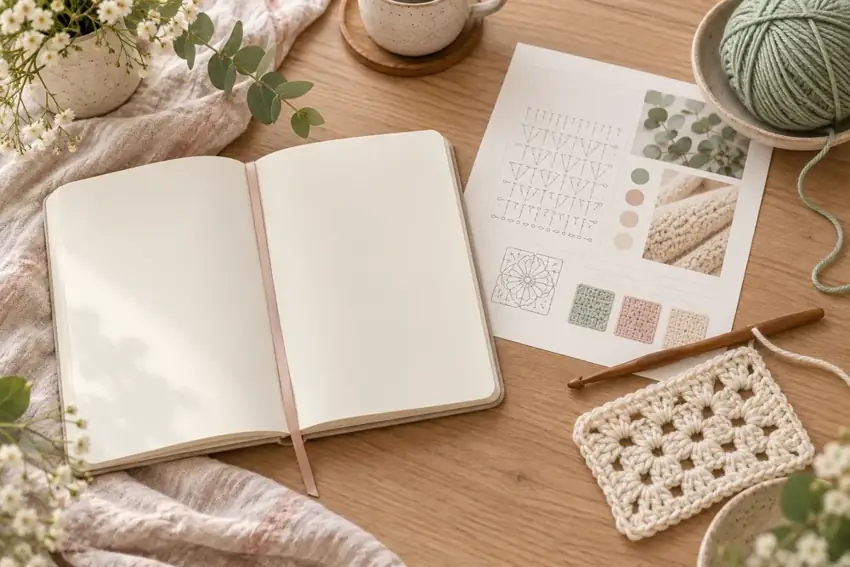
Save a copy you can find again
Download the PDF to a named folder before beginning. Use the project title and edition or revision number in your notes. Opening a browser tab is not the same as saving a permanent copy: tabs can close and temporary download links may expire. Keep the purchase receipt separately when a pattern comes from a marketplace.
Open the saved file and check that the first page, last page and any template pages are present. Compare the page count with the listing. If pages appear blank or the file will not open, resolve that issue before buying materials.
Read the guide once without making anything
Find the materials list, dimensions, terminology, gauge or seam allowance, and the main construction sequence. Highlight where a piece is repeated, where color changes occur and where measurements are checked. Identify whether the guide describes a tested sample or a design draft.
For crochet, confirm whether the terminology is US or UK. For quilting, distinguish cut sizes from finished sizes. A familiar abbreviation can mean something different in another pattern, so use that document’s own key rather than relying on a previous project.
Decide which pages need to be printed
You may prefer the materials list and step pages on paper while viewing a color gallery on a tablet. Print only the pages you need and keep them in order. A binder clip or folder helps prevent a loose template from becoming separated from its instructions.
Before printing every page, print one instruction page. Check the text size, contrast and margins under your actual working light. Larger text on screen may be easier than reducing several PDF pages onto one sheet.
Treat templates differently from ordinary reading pages
If a PDF contains full-size templates, follow its scale instructions exactly. Options such as Fit, Shrink oversized pages or multiple pages per sheet can change template dimensions. Use Actual size or the explicitly specified percentage when instructed.
If a calibration square is provided, measure it with a physical ruler on the printed sheet before cutting fabric. A square meant to be 1 inch must measure 1 inch in both directions. If no scale check is supplied and the pattern does not clearly state that a diagram is full size, do not assume that the drawing is a cutting template. Construction schematics often explain placement without being drawn at cutting scale.
Set up a simple progress system
Keep one pencil mark or checkbox for each completed step, row group or repeated unit. For several identical pieces, record a tally rather than relying on memory. Add a note when you stop: current row, right or wrong side, next color and the last count you checked.
Avoid writing only “continue here” on a loose page. A precise note such as “row 12 finished; 24 stitches counted; turn before row 13” is much easier to trust after a few days away. If you alter the instructions, write down the change and its effect on later counts.
Keep a correction record
If something seems inconsistent, compare the wording, diagram and stated checkpoint before continuing. Record the page and step number and contact the pattern publisher if the uncertainty remains. Do not guess at a cut that uses a large amount of fabric or a repeat that would be difficult to undo.
At the end of a project, keep your gauge, seam-test measurement, material substitutions and finishing notes with the PDF. Those observations describe your own result and make a future repeat more predictable.